-
Shop
- Advanced Technologies
- AI Skills
- Apple Accessories
- Armani
- Bathroom
- Best-Sellers
- Calvin Klein
- Car Accessories
- Car Buying & Ownership
- Confidence
- Dating & Social Skills
- Digital Resources
- AI & Technology
- Beauty
- Electronics & Technology
- Emotional Intelligence
- Home Styling & Organization
- Kitchen & Recipes
- Mindfulness
- Mindset
- Online Business
- Parenting & Child Development
- Personal Style & Fashion
- Pet Lifestyle & Wellness
- Positive Thinking
- Productivity
- Self Confidence
- Sleep Improvement
- Smart Life with AI
- Stress Management & Relaxation
- Wellness
- Yoga & Mind-Body Practices
- Education & Learning
- Family & Parenting
- Fashion
- Furniture
- Gadgets
- Health & Beauty
- Health & Wellness
- Home & Garden
- Home Decor
- Home Electronics
- Jewelry
- Kids & Babies
- Kitchen
- Legend Footwear Brands Collection
- Lighting
- Luxury Brands Collection
- Nike
- Patio, Lawn & Garden
- Personal Growth
- Pet Care
- Pet Supplies
- Pets
- Smart Amazon Shopping
- Sport & Outdoors
- Travel
- Travel & Adventure
- Wealth
- Wealth Building
- Budgeting & Saving
- Cryptocurrency Investing
- Debt Management
- Entrepreneurship & Business Growth
- Family Finance & Budgeting
- Financial Independence
- Financial Mindset & Psychology
- Financial Planning
- Frugal Living & Expense Hacks
- Goal Setting
- High-Income Skills
- Investing Basics
- Leadership
- Motivation
- Networking & Mentorship
- Passive Income Strategies
- Real Estate Investing
- Side Hustles
- Stock Market Investing
- Popular
- Best deals
Gadget Died Early? Diagnose Charging, Heat & Hidden Wear
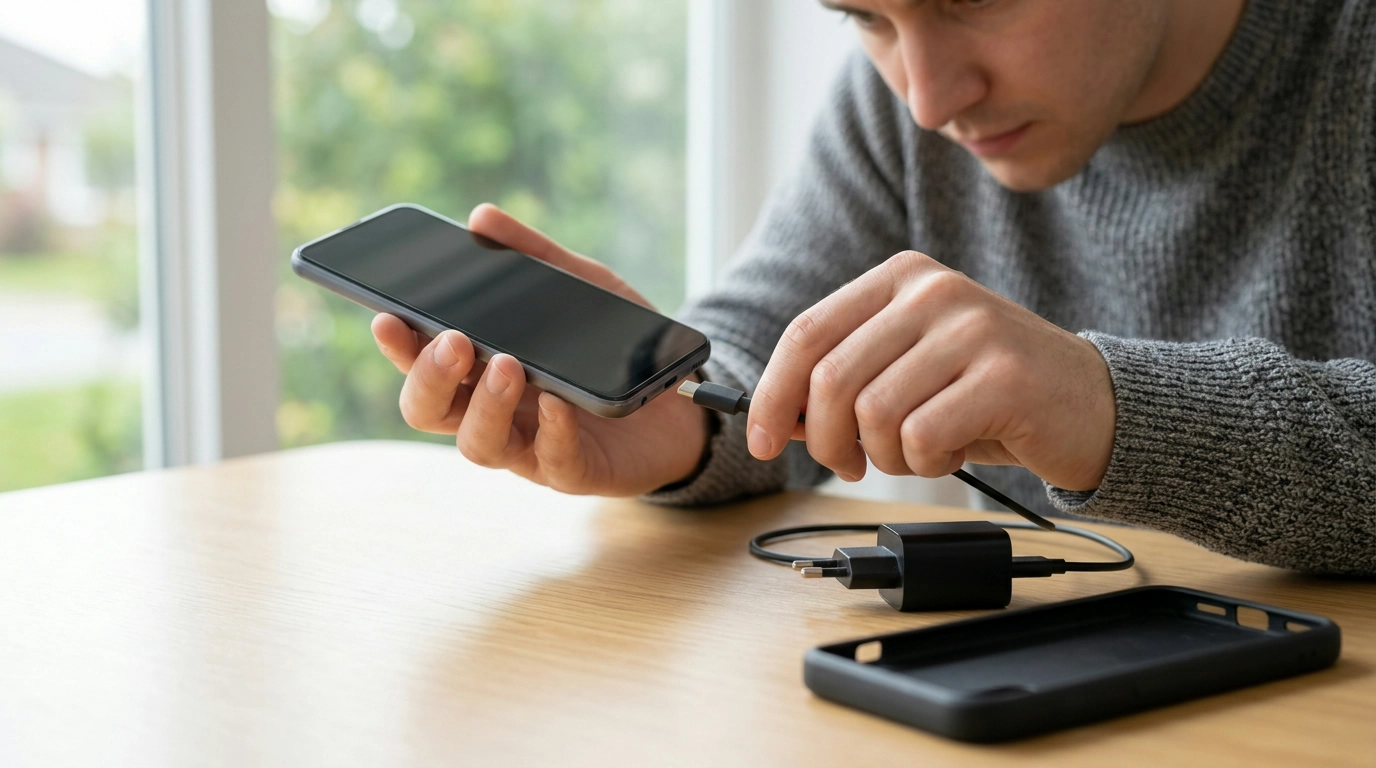
Why My Gadget Died Early: A Practical Checklist for Catching the Real Culprits
Most gadgets don’t “just die.” They get worn down by a handful of repeatable stressors—power issues, heat, storage overload, moisture, cheap accessories, and small habits that quietly stack up. Our team put this guide together as a clear, do-this-next checklist so problems show up while they’re still fixable, not after the device becomes a paperweight.
The early-warning signs that a gadget is on the fast track to failure
If you spot one of these, treat it like a smoke alarm: you don’t need panic, but you do need action.
- Battery drops in big jumps (like 100% to 70% quickly) or the device shuts off above 20–30%.
- Heat spikes during charging or during basic tasks (web, messaging), not just heavy use.
- Charging gets “picky” (you must wiggle the cable, it only charges at certain angles, or it charges unusually slowly).
- Random restarts, freezing, or app crashes—especially right after updates.
- Storage is nearly full all the time and performance stays sluggish even after rebooting.
- Swollen battery symptoms: screen lifting, back panel bulge, or wobble on a flat surface (stop using and service immediately).
Power and charging: the #1 shortcut to an early goodbye
Most “sudden” failures are really months of charging stress finally showing up. Start here because it’s fast to test and often cheap to fix.
- Use reputable chargers and cables matched to your device’s supported wattage/standard; avoid ultra-cheap no-name power bricks that run hot or fluctuate.
- Keep ports clean and dry; pocket lint in USB/Lightning ports causes heat, arcing, and intermittent charging.
- Watch for “charge heat”: if your device is hot while charging, remove cases, move to a cooler surface, and avoid heavy use during charge.
- Avoid constant deep cycles: letting a battery hit 0% regularly and then fast-charging to 100% under heat accelerates wear.
- Protect against surges: use a quality surge protector for home/office charging stations, especially for desktops, docks, and high-watt chargers.
Quick power check: symptoms → likely cause → next step
| Symptom | Likely cause | Next step |
|---|---|---|
| Only charges with cable angled | Dirty port or worn connector | Power down, gently clean port; replace cable; service port if loose |
| Charging is very slow on known-good outlet | Weak adapter, damaged cable, or overheating throttling | Try a certified cable/adapter; remove case; charge in cooler area |
| Device gets hot on the charger | High ambient heat, heavy background activity, poor charger | Stop using while charging; switch charger; check for runaway apps |
| Battery falls quickly after 1–2 years | Normal battery aging accelerated by heat/deep cycles | Enable optimized charging; avoid hot charging; consider battery replacement |
Heat and airflow: the quiet battery killer
Heat is cumulative damage. Your gadget can still “work” while the battery and internal components are quietly getting worn down.
- Avoid leaving devices in cars, near sunny windows, on radiators, or under pillows/blankets while charging.
- Gaming, video calls, hotspot mode, and high-brightness use create sustained heat; give your device breaks and reduce brightness when possible.
- Cases can trap heat; remove thick cases during long charging sessions or demanding tasks.
- If your device routinely throttles (dims screen, slows down, drops frame rate), treat that as a maintenance signal, not a normal quirk.
If you want a deeper baseline for battery behavior and care, authoritative references include Apple Support’s battery guidance and Battery University’s lithium battery wear factors.
Storage, updates, and background clutter that wear devices down
- Keep free storage available. When you’re nearly full, the device spends extra time indexing, swapping, and managing space—performance drops and heat rises.
- Update intentionally. Major updates can reveal weak batteries or failing storage; back up first and monitor battery/temperature for a week after.
- Trim background load. Constant syncing, location polling, and aggressive notifications keep the device warm and busy.
- Restart periodically. It clears hung processes and reduces the chance of runaway drain.
- Backups aren’t optional. Treat backup as maintenance, not an emergency step.
Moisture, dust, drops: small incidents that cause delayed failure
- Water damage isn’t always immediate; corrosion can show up weeks later as charging issues, speaker problems, or random reboots.
- Even “water-resistant” devices aren’t permanently sealed; seals age and impacts compromise resistance.
- Dust and grit in ports and buttons grind down connectors over time; keep devices in clean pockets/bags and consider port covers if needed.
- After a drop, watch for new heat, charging weirdness, camera focus issues, or intermittent touch response—common delayed symptoms.
- If liquid exposure happens: power down, do not charge, and get professional service. Charging a wet device is a fast route to short circuits.
For battery safety fundamentals and risk signs worth taking seriously, UL’s lithium-ion battery safety basics is a solid reference.
The practical checklist: run this before replacing anything expensive
Make it repeatable: a one-page reference for every device in the house
Tools from our store (digital downloads)
- Why My Gadget Died Early – Practical Checklist Revealing the Main Reasons Gadgets Fail Early (Digital Download)
- Screen Headaches Solved – A Practical Digital Guide to Headaches From Screen Overuse, Eye Strain Relief & Smart Screen Habits
FAQ
What’s the most common reason gadgets fail early?
Heat plus charging quality is the most common combo: poor chargers/cables, charging while the device is hot, and repeated deep cycles accelerate battery wear and stress internal components.
Is it bad to leave a device charging overnight?
Many modern devices manage charging well, but heat is the real enemy. Overnight charging on soft surfaces, in hot rooms, or with low-quality chargers increases risk and can accelerate long-term wear.
When should a failing gadget be serviced instead of “troubleshot”?
If you see battery swelling, a burning smell, excessive heat, liquid exposure, a damaged/loose port, or repeated shutdowns, stop using and stop charging it. Those are safety and hardware red flags that call for professional service.
















Leave a comment